- Developer
- Blue Wizard Digital
- Platform
- Web Browser
- Category
- Sports
- Players
- Single Player
- Released
- 2024
- Price
- Free
About Baseball 9
Baseball 9 keeps a full inning-based sport moving at arcade speed. Matches skip the pacing of a real broadcast game. You pitch, the batter swings, the ball’s in play or it isn’t, and the next batter’s already up. The same action key covers both halves of the at-bat: pitching when your team’s in the field, swinging when you’re up.
Timing the swing against the pitch is where the actual game lives. Swing early or late and you’ll foul it off or miss outright; get the timing right and the ball goes where the swing sends it, same as reading the pitch type when you’re the one throwing.
Modes
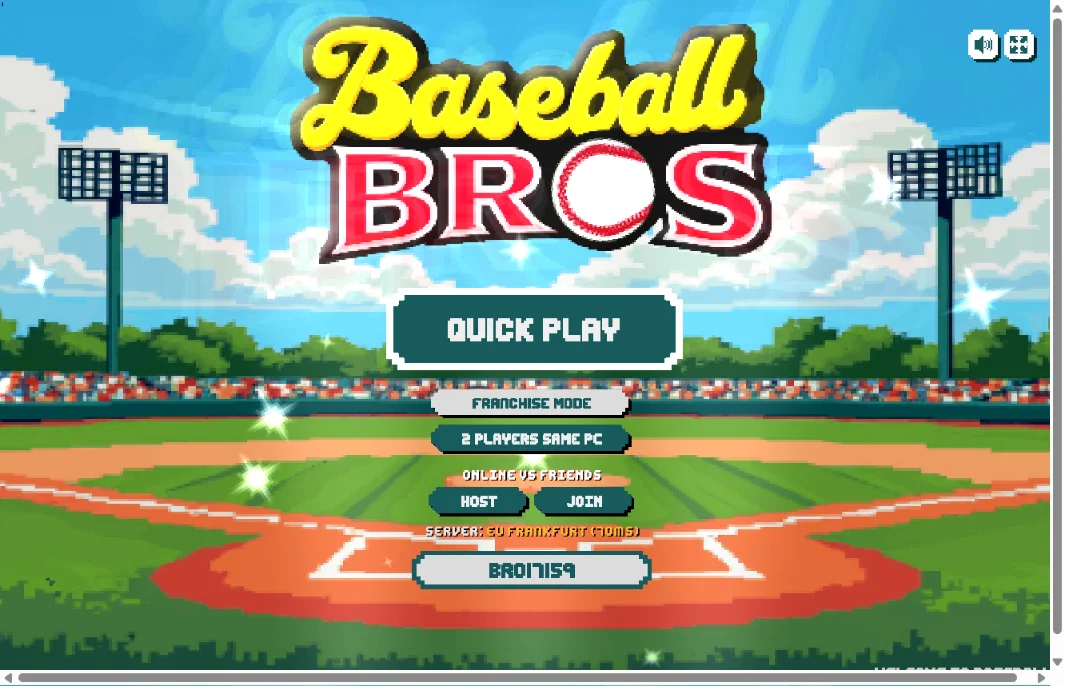
Quick Play starts a match against the CPU right away. 2 Players Same PC splits the keyboard for local head-to-head. Online vs Friends lets you host or join a match with a shareable session code and a server-region picker, so a small group can play together from different locations.
Tips & Tricks
On defense, don’t just mash the pitch button. Mixing up pitch types keeps a batter from timing your throws, the same way a real pitcher works a lineup. At the plate, watch the pitch as it comes in rather than swinging on reflex the moment the pitcher winds up; a swing thrown too early misses just as often as one thrown too late.
If a match feels laggy in Online vs Friends, check the server region before assuming your own connection is the problem. Picking a region closer to the group hosting the match usually clears it up.
How to Play Baseball 9
Desktop Controls
| Key | Action |
|---|---|
| W A S D | Move / control your player |
| Arrow Keys | Move / control your player (alternate) |
| Space | Swing the bat or throw a pitch, depending on which side you're on |
Mobile Controls
On-screen joystick to move, tap the action button to swing or pitch.