- Developer
- Martin Magni
- Platform
- Web Browser
- Category
- Racing
- Players
- Single Player
- Released
- 2022
- Price
- Free
About Drive Mad
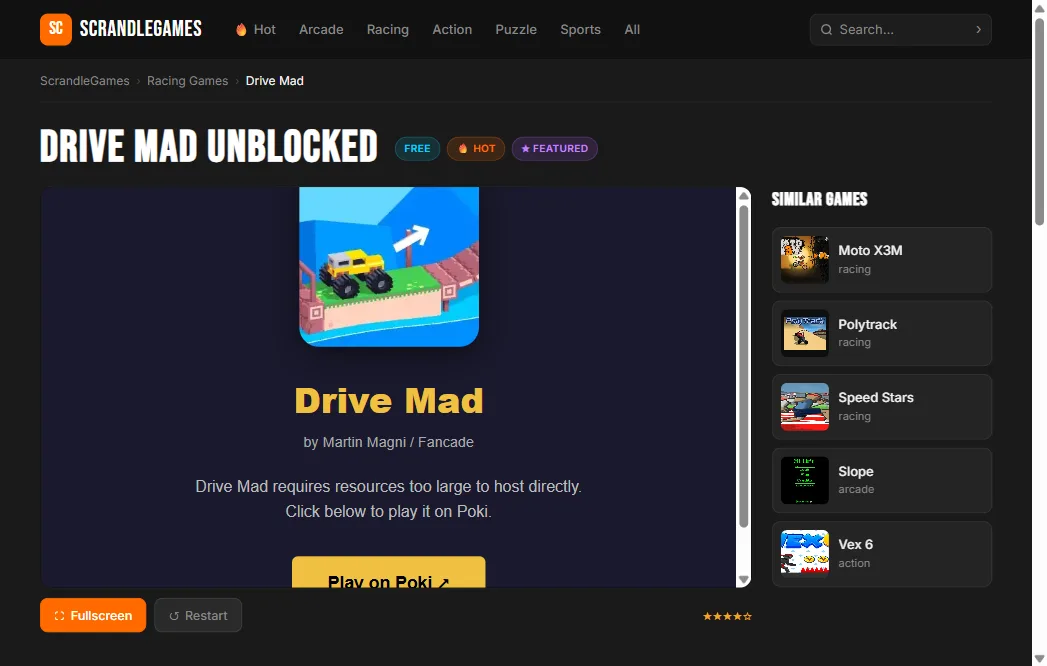
Drive Mad is a physics driving game where the challenge isn’t speed — it’s staying upright. Each of the 250 levels puts your vehicle on a course with ramps, seesaws, rotating machinery, and gaps where one degree of tilt too far ends the attempt. Gas tilts you forward, brake tilts you backward, and finding the right balance between them is most of the game.
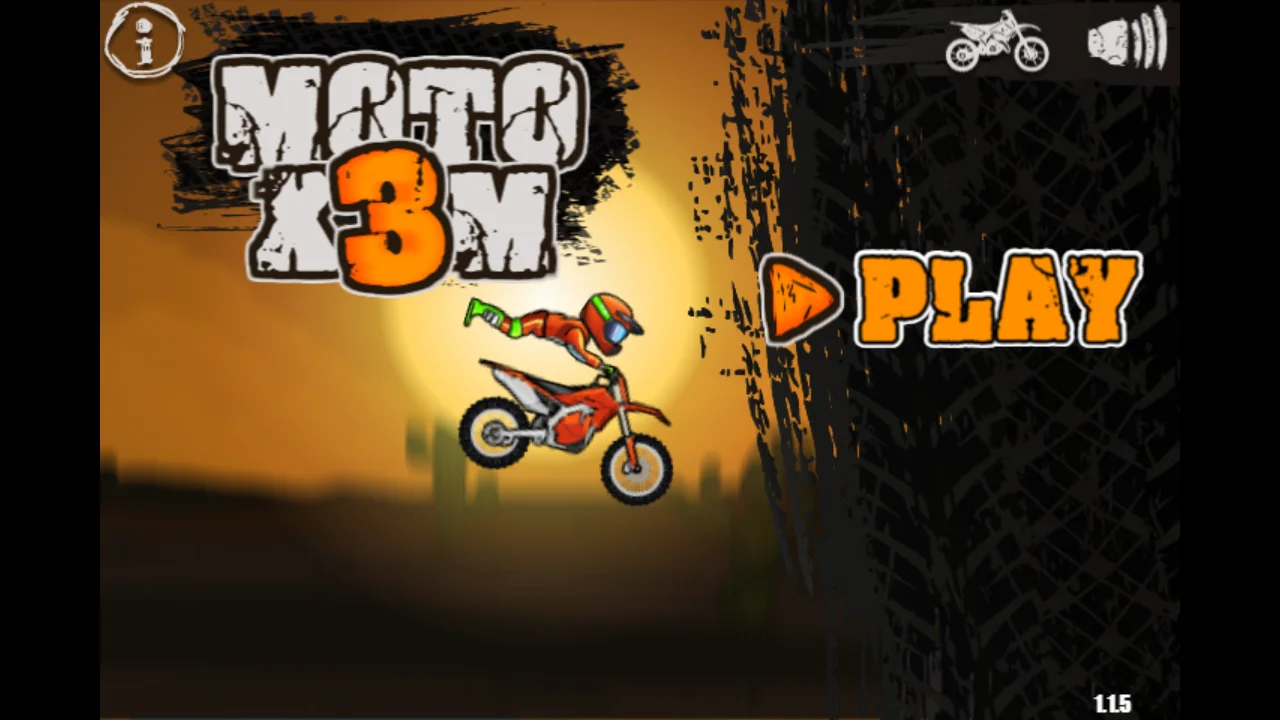
Martin Magni, who also made Moto X3M, built Drive Mad with the same feel for satisfying failure. Tipping over doesn’t feel unfair; it feels like a physics problem you didn’t solve correctly. The restart is immediate, and you’re back in position within a second.
How the levels work
Early levels introduce basic ramps and gaps. By the midpoint, levels combine moving platforms, seesaws that shift your tilt mid-traverse, and suspended beams you have to drive across without losing balance. The game unlocks new vehicle types as you progress — each one handles differently, so a vehicle that made an early level easy might make a later one harder.
The difficulty curve is well-calibrated: levels stay challenging without becoming unfair. The same mechanics you learn in level 10 appear in level 200 in much harder configurations, so the game rewards building skills rather than just grinding through.
Tips & Tricks
The most common mistake is holding full throttle up a ramp and flying off the top. Most ramps need you to modulate — accelerate up the slope, ease off just before the peak, then accelerate again on the way down.
When a level has a seesaw, approach it slowly. The platform will tip toward you as you get on, then away as you cross the center. Moving steadily through that shift is easier than trying to accelerate past it.
If you’re stuck on a level for more than ten attempts, restart and watch what the obstacles are doing before you move. Several levels have timing-based machinery that looks like a wall but has a clear window if you wait.
How to Play Drive Mad
Desktop Controls
| Key | Action |
|---|---|
| W / ↑ | Accelerate / lean forward |
| S / ↓ | Brake / lean backward |
| R | Restart level |
Mobile Controls
Tap and hold the on-screen Gas and Brake buttons. Play in landscape mode for best experience.