- Developer
- MadPuffers
- Platform
- Web Browser
- Category
- Racing
- Players
- Single Player
- Released
- 2016
- Price
- Free
About Moto X3M
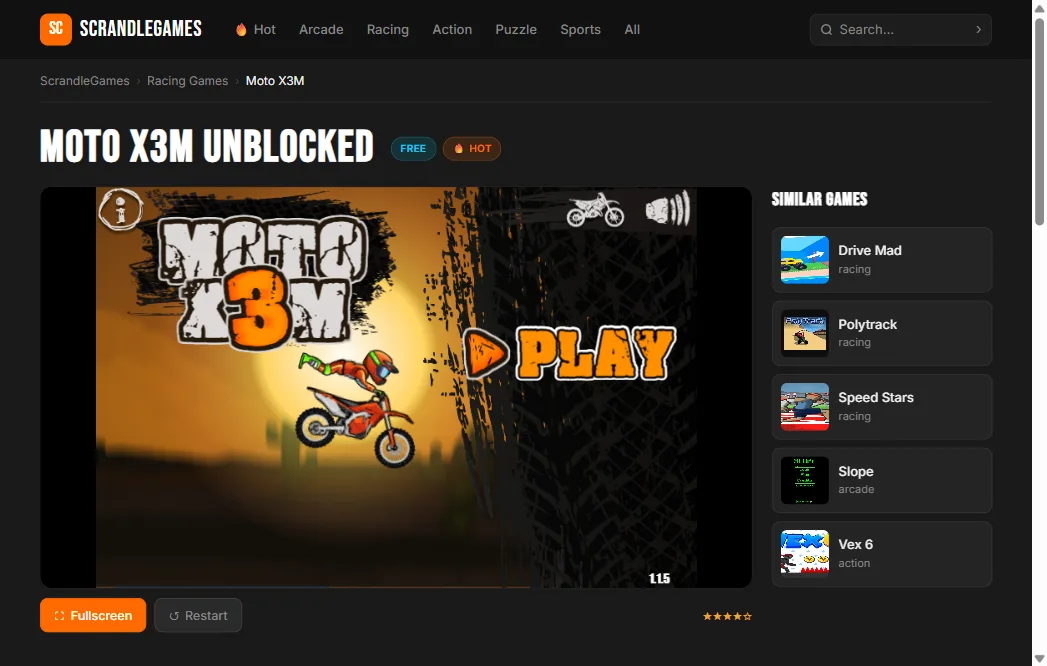
Moto X3M is a motorcycle stunt game built around one idea: what if every level had something that could kill you in a new way? Twenty-two handcrafted tracks throw loops, vertical drops, exploding barrels, rotating saw blades, and moving platforms at you in combinations that feel like they were playtested to find the exact moment physics becomes chaos.
The game comes from MadPuffers, the same studio behind Drive Mad. The physics engine is the same core — your bike responds realistically to throttle, braking, and lean — but where Drive Mad rewards careful balance, Moto X3M rewards commitment. Half the skill is learning which obstacles to approach at full speed and which ones require you to slow down and control your landing angle.
The star system
Each level has a three-star time threshold. Finishing at all gets you one star. Finishing fast enough earns two or three. Three-star times are tight enough that you’ll need to know the level — not just complete it, but complete it efficiently, taking lines that save half a second here and there.
This is where most of the replayability lives. The first run through a level is about surviving it. Every run after is about finding where you wasted time.
Tips & Tricks
Lean forward going up ramps and backward going down. This seems obvious but it’s easy to forget mid-run when something explodes near you. Poor lean control at the wrong moment sends you backward off a platform you’ve already cleared.
Exploding barrels have a delay between touching them and detonating. You can sometimes use the explosion itself to boost over a gap if you time it right. It’s rarely the intended solution but it works.
Falling off the bike isn’t always the worst outcome. Sometimes the reset point is ahead of where you’d have been if you’d limped through an obstacle wrong. Learn when to let it go and respawn rather than fighting a bad position.
How to Play Moto X3M
Desktop Controls
| Key | Action |
|---|---|
| W / ↑ | Accelerate |
| S / ↓ | Brake / reverse |
| A / ← | Lean backward |
| D / → | Lean forward |
Mobile Controls
Use the on-screen gas, brake, and lean buttons.